Cai: Project Creation
Creating New Projects with AI
This video and article will guided you through the process to enter the project name, company name, project type, project status, industry, specialty, seniority, along with project location details. Remember, these details can be edited after the project is created.
Create a project anywhere in the application by clicking the "+Add" button in the upper-right corner OR from your Project View. 
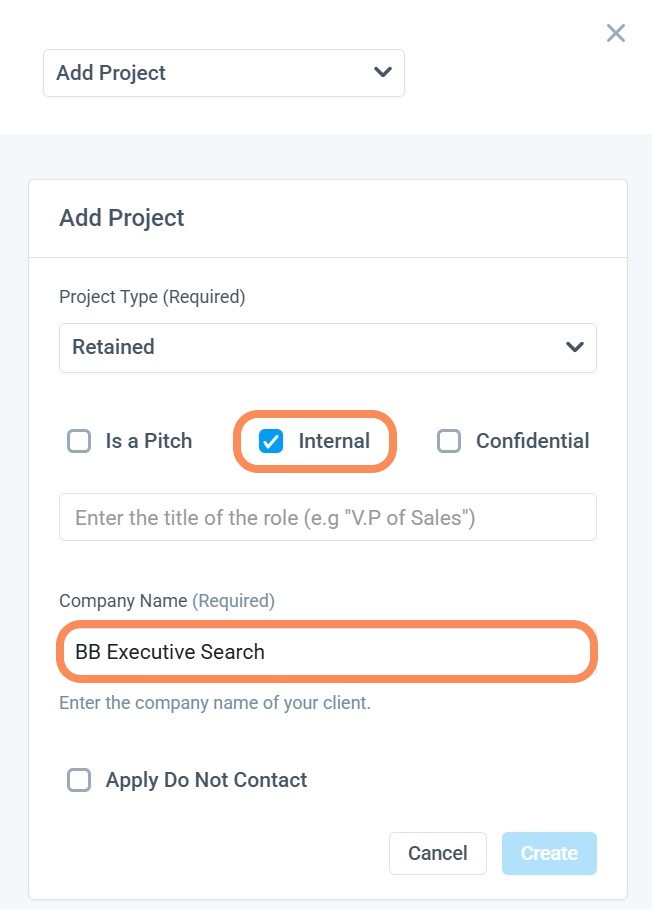
Internal Projects
Marking a project as Internal will automatically populate your Firm's Name. Adding the Title and project Type will highlight the Create Button.
Retained/Contingent Projects
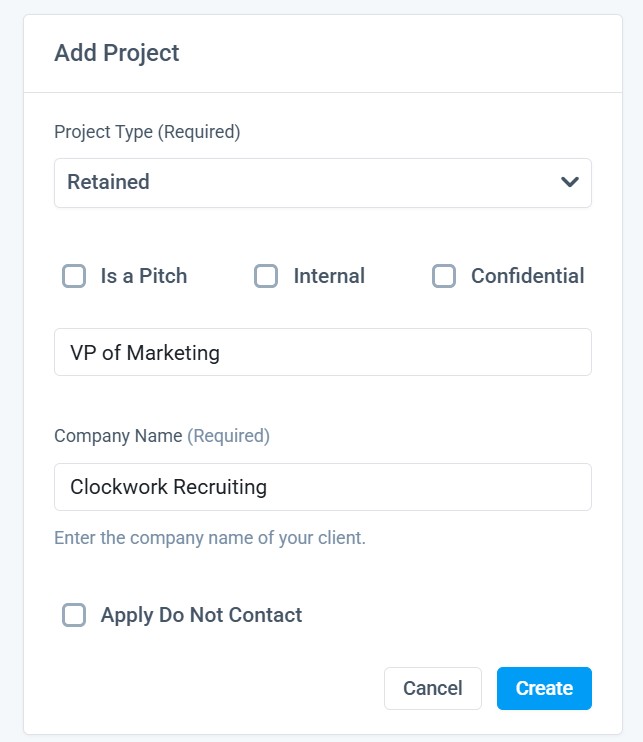
The only required fields are Project Type, Title of the role and Company name.
After meeting those requirements, the Create button will be selectable.
If the company is not already listed in your company database or misspelled, you will receive the below message upon clicking on the create button. Enter the company's LinkedIn or Website URL to create the project and enrich the company profile at the same time.
Company Name Decision Tree:
- Try to find the name in the existing database (by name of those that have LI URL).
- IF no company found, try to find the LI URL for the company > IF found, proceed
- IF not found, go back to the user with error message (image below)
- IF company information provided, proceed.
- IF company still not found, loop or SKIP.
Choosing the "Skip" option, will create the project without company enrichment.
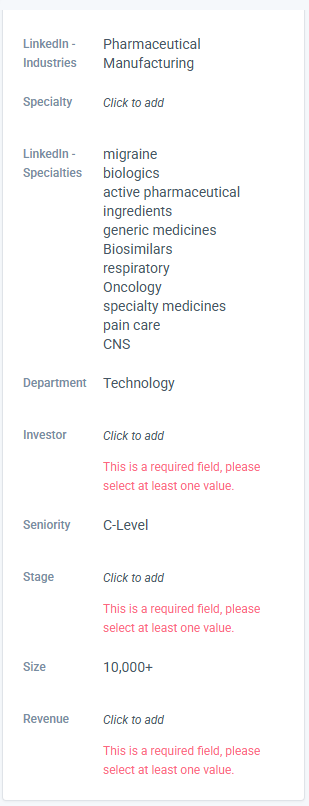
 Once the company is successfully enriched, you'll be redirected into your new project. You'll notice that the Project Profile details are automatically populated (the result of a successful enrichment).
 There are required fields that need to be entered to use the other existing AI features within Clockwork.